
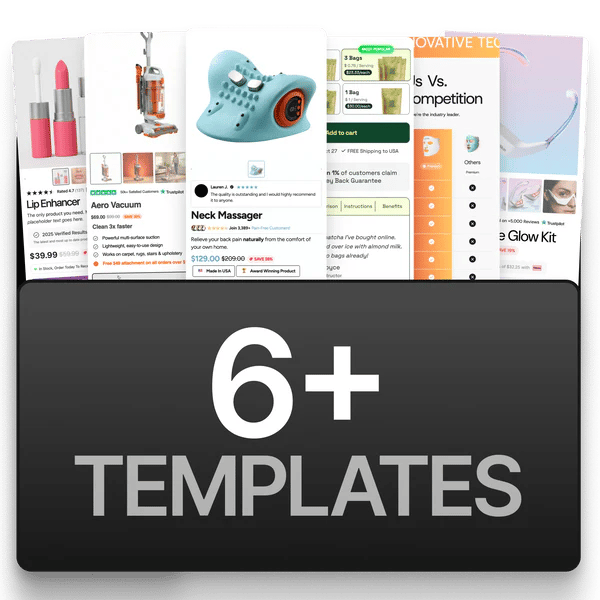
6+ templates available
Templates are fully designed product page layouts you can install in one click. Instead of building from scratch, pick a template that fits your niche and customize it.

How to install a template

  1. Go to app.ecomelixir.com/templates.
  2. Browse the available templates.
  3. Follow the on-screen instructions to install it on your store.
  4. Open the page in the Shopify theme editor to customize.
Templates install from the Elixir dashboard, not from inside Shopify. You do not add a theme or pick a template in Online Store → Themes to get one. Installing a second theme ZIP does not add a template, it just leaves you with an extra theme.
If a template you’re looking for isn’t listed, it’s still in development and will be released through the dashboard when ready.

Built-in page templates

Your theme also includes these page types out of the box (select them when creating pages in Shopify admin under Template):