
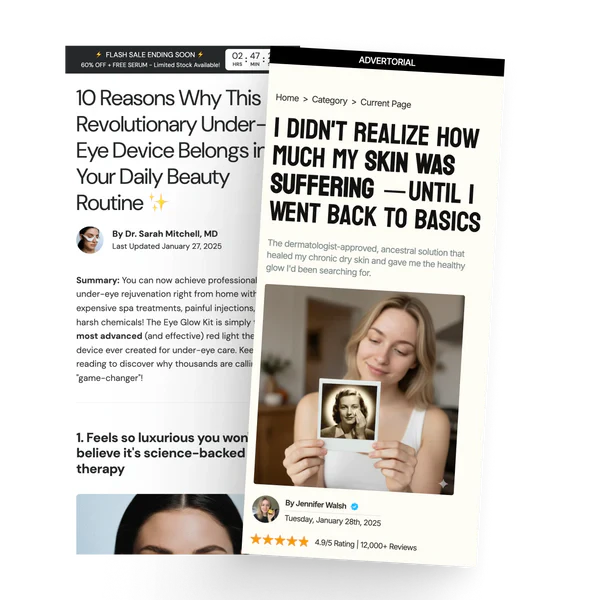
Advertorial pages
Advertorial pages look like editorial content (blog posts, news articles, reviews) but are designed to sell. To create one:- In Shopify admin, go to Online Store → Pages.
- Create a new page.
- Under Template, select Advertorial.
- Open the page in the theme editor to add blocks.
Available blocks
Listicle pages
Listicle pages present content as a numbered list (e.g. “10 Reasons Why…”). To create one:- In Shopify admin, go to Online Store → Pages.
- Create a new page.
- Under Template, select Listicle.
- Open the page in the theme editor to add blocks.
Available blocks
Hide the header and footer
Ad landing pages convert better without navigation, since every link is a way out of the funnel.- Go to Theme settings → Advertorial and Listicle Setting.
- In Pages without header & footer, enter the page handle, one per line:
yourstore.com/pages/summer-sale has the handle summer-sale.
Those pages then render with no header, no navigation, and no footer, leaving your CTA as the only way forward.
Tips
- Use the sale countdown banner announcement bar with advertorial pages to add urgency
- Add a sidebar block with a featured product to keep the CTA visible as users scroll
- Keep the sticky add to cart block enabled so users can buy at any point