
60+ Sections
Hero banners, reviews, comparisons, testimonials, countdowns, and more.
120+ Blocks
Quantity breaks, trust badges, ratings, countdown timers, and more.
6+ Templates
Ready-made product page designs you can install in one click.
Recommended setup time: 20–30 minutes New to Elixir? Follow the guides below in order for the smoothest setup experience.
Get started
1
Install the theme
Upload Elixir to your Shopify store and activate your license key.Installation guide →
2
Customize your brand
Set up your colors, fonts, and button styles to match your brand.Branding guide →
3
Set up your header
Configure your logo, navigation, announcement bar, and sticky header.Header guide →
4
Build your homepage
Add sections to create a high-converting homepage.Homepage guide →
5
Build your product page
Configure your product page with the right blocks, offers, and social proof.Product page guide →
6
Set up your cart
Add upsells, discount codes, free gift thresholds, and urgency timers to your cart.Cart guide →
See Elixir in action
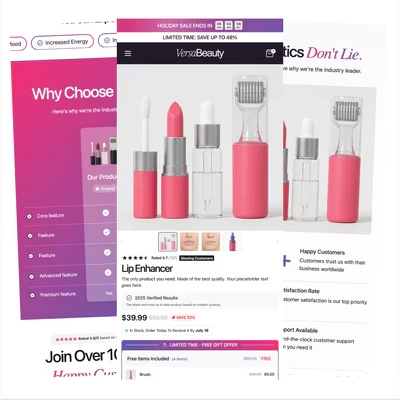
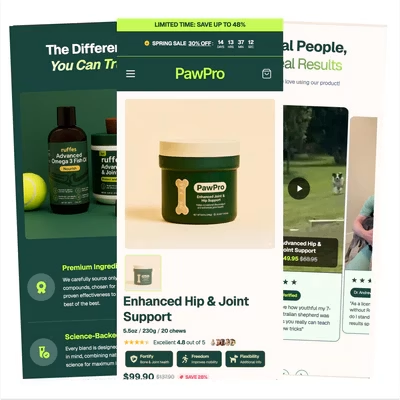
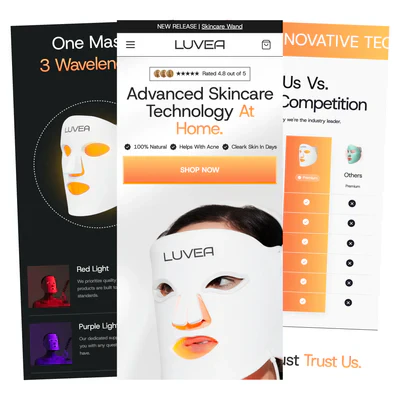
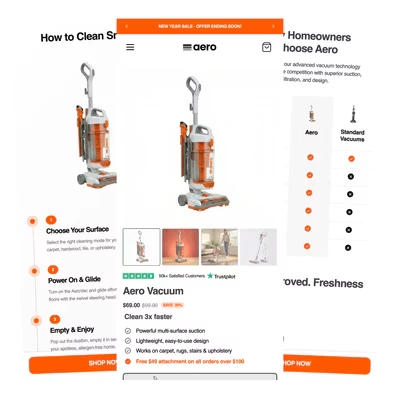
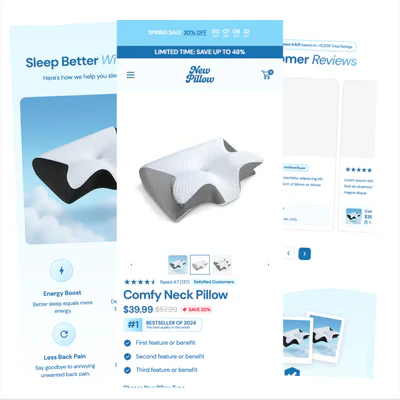
Explore stores built with Elixir across different industries and product categories. Use these examples for inspiration when designing your own store.Beauty
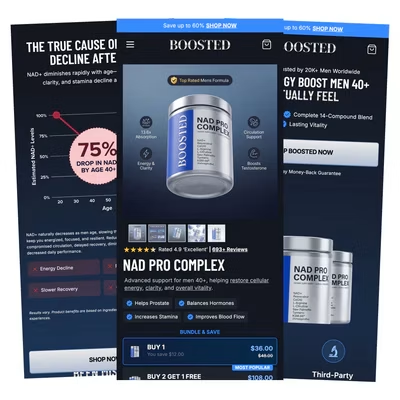
Supplements
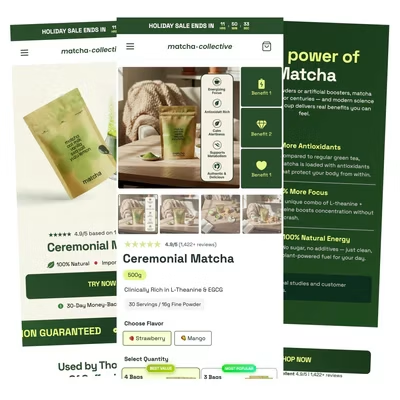
Matcha
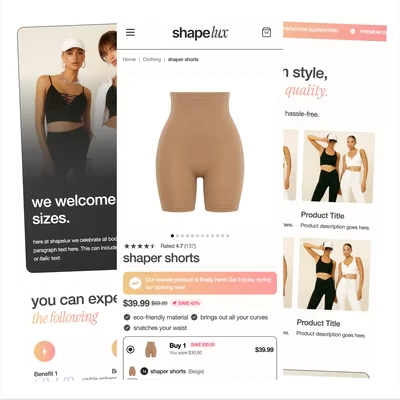
Shapewear
Pet Brand
Beauty Tech
Vacuum
Pillow
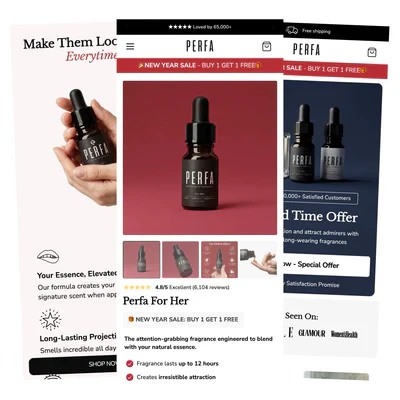
Perfume
Next steps
Once the core setup is done, these guides cover the rest of the theme.Social proof & reviews
Add reviews, testimonials, and trust elements without a display app.
Advertorials & listicles
Build long-form landing pages designed to convert cold traffic.
Color swatches
Show real colors in the variant picker instead of text labels.
Translations
Ship your store in any of the 27 supported languages.
Upsells
Raise order value with product page, cart, and bundle upsells.
Free gifts
Run spend thresholds and unlockable gift tiers.
Subscriptions
Add a subscribe and save option to your product page.
Product ratings
Show real star ratings from your review app.
Custom CSS
Fine-tune anything the settings don’t cover.
Sections & blocks
Browse everything you can add to a page.
Theme updates
Keep your store on the latest version of Elixir.
Need help?
Many common questions are already answered in the FAQ and the guides above, worth a look before reaching out.Join the Discord
Get help from the team and other Elixir merchants.
Product showing as sold out?
The most common issue merchants hit, and how to fix it.